Assistant chat
Ask what you want to build
Guided answers work now so the team can get a useful reply without billing. Live AI can still be enabled later.
AI Dashboard
This is now the main workspace home, giving your team an AI-first starting point before jumping into the right builder.
Use this space as the agency home base. Start with a question, preview the output, then jump into the right module.
Assistant chat
Guided answers work now so the team can get a useful reply without billing. Live AI can still be enabled later.
Featured preview
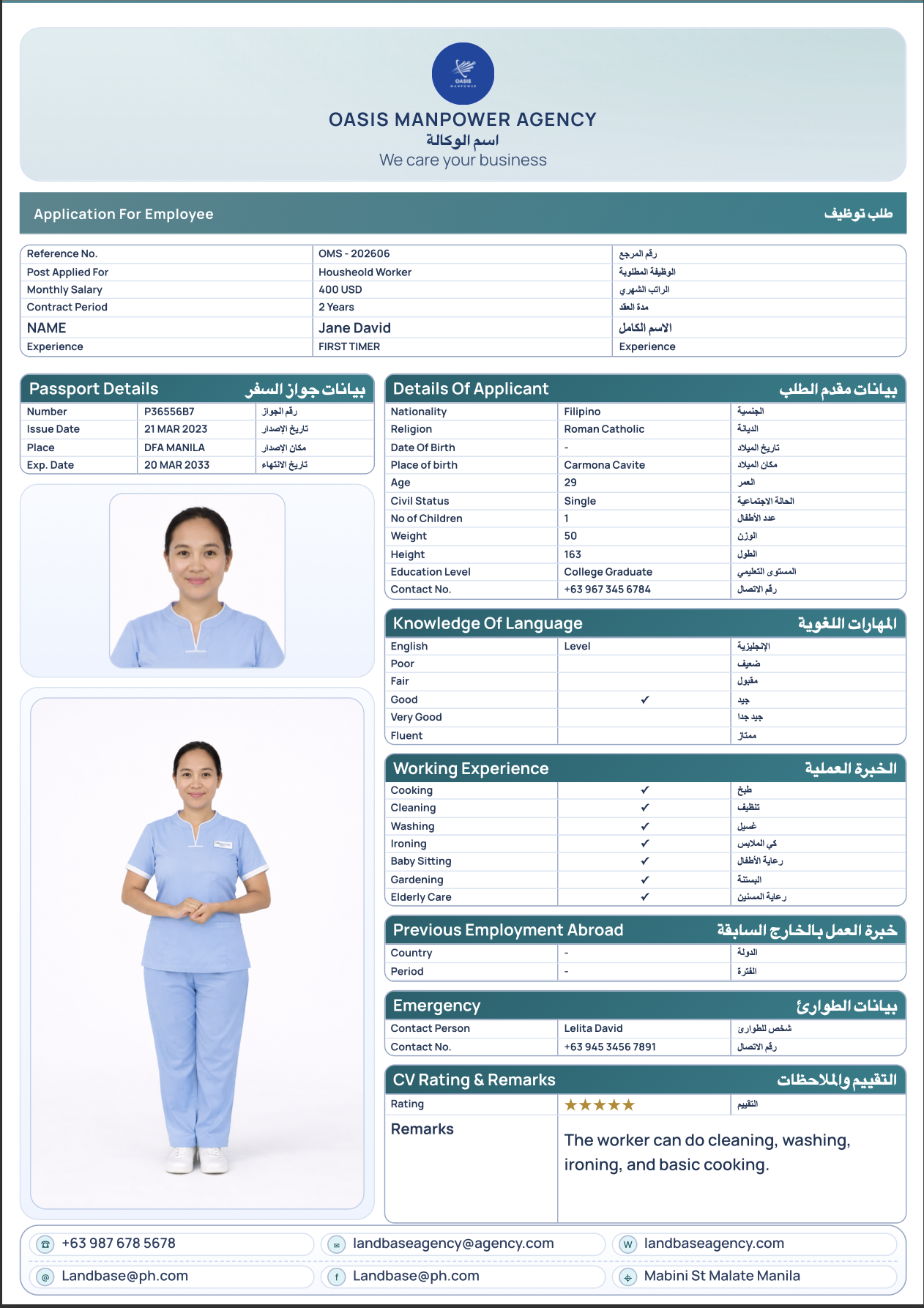
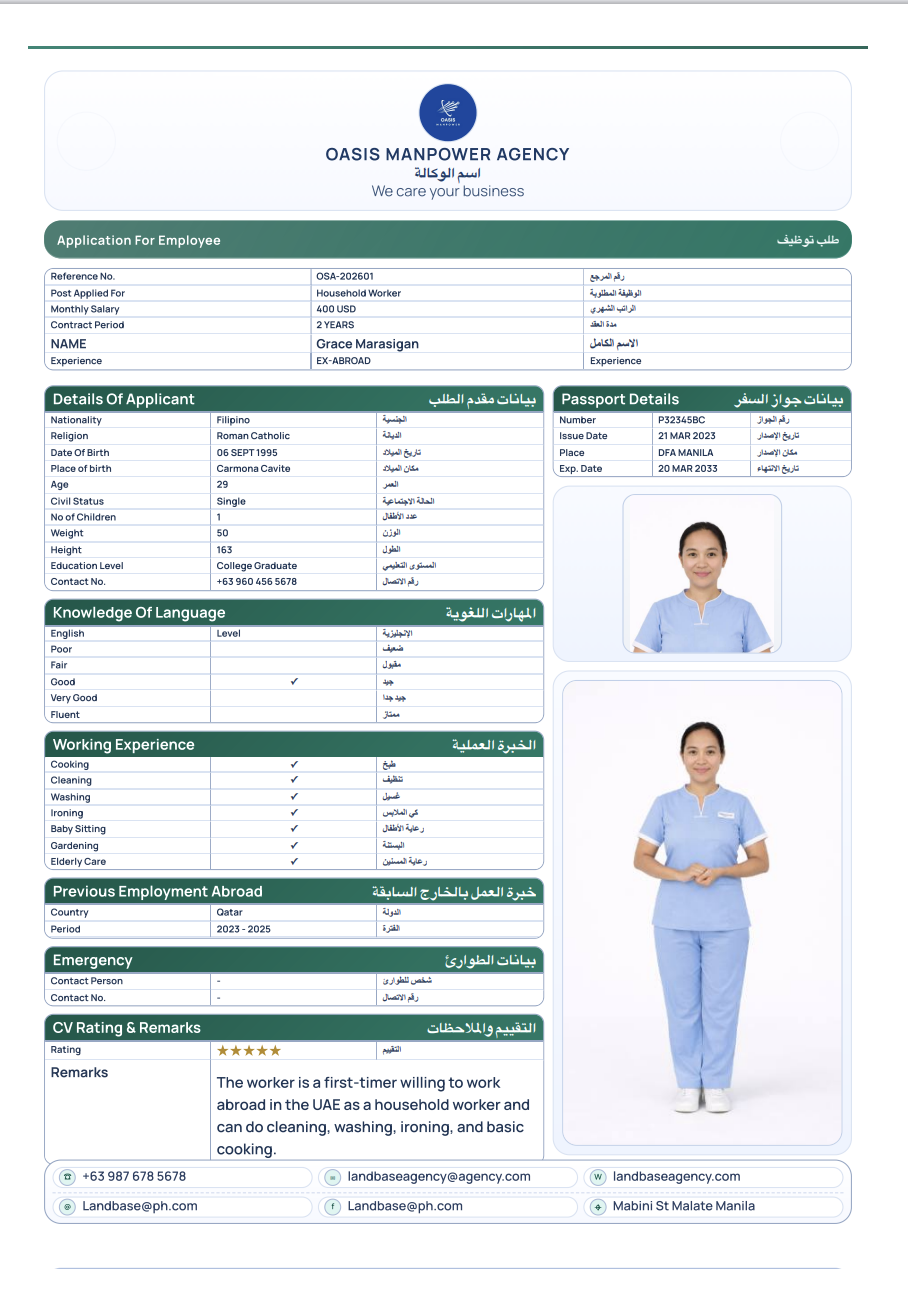
Use this GCC-ready CV preview inside the AI hub. Click the image for a full-size view, then open the builder when you are ready.
Open in builderQuick actions
Workflow
Question prompts
Type in the assistant above and the matching questions will appear. Click one and the answer will show in the chat area with the right next step.
How can this app help me?
It helps you organize applicants, generate GCC-ready CVs, and move workers faster from application to deployment.
How do I create a CV?
Open the CV builder, choose your preset, fill the candidate details, and generate a GCC-ready CV layout.
How do I make a letterhead?
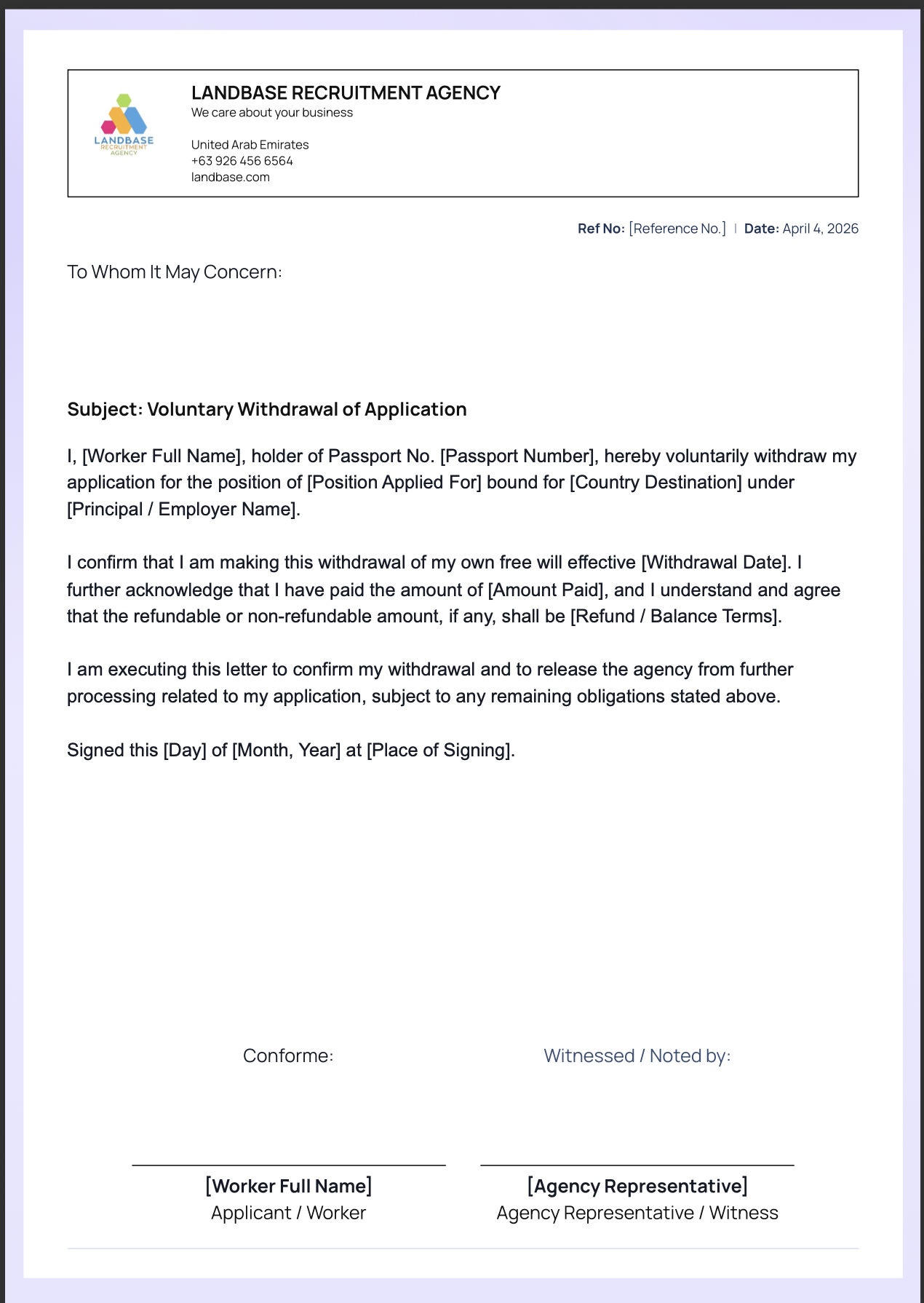
Use the letterhead builder to add your agency logo, contact details, and branding for official recruiter documents.
How do I make an application form?
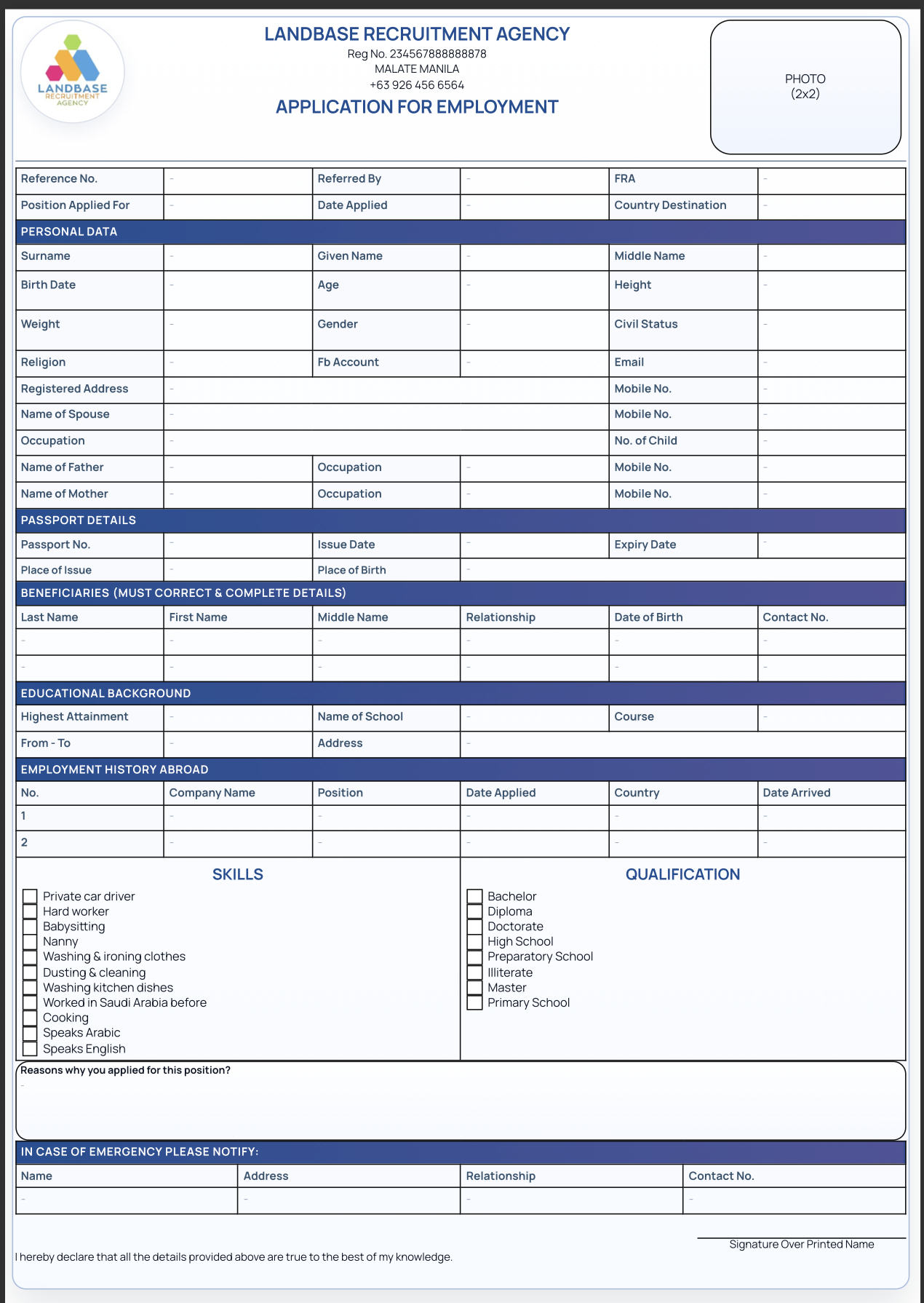
Open the application form builder, pick a print-ready pack, and use the form to capture worker details in a clean layout.
How do I track applicants?
Use the dashboard to see who is new, marketed, selected, or deployed, then check the analytics view for totals and flow.
Template photos
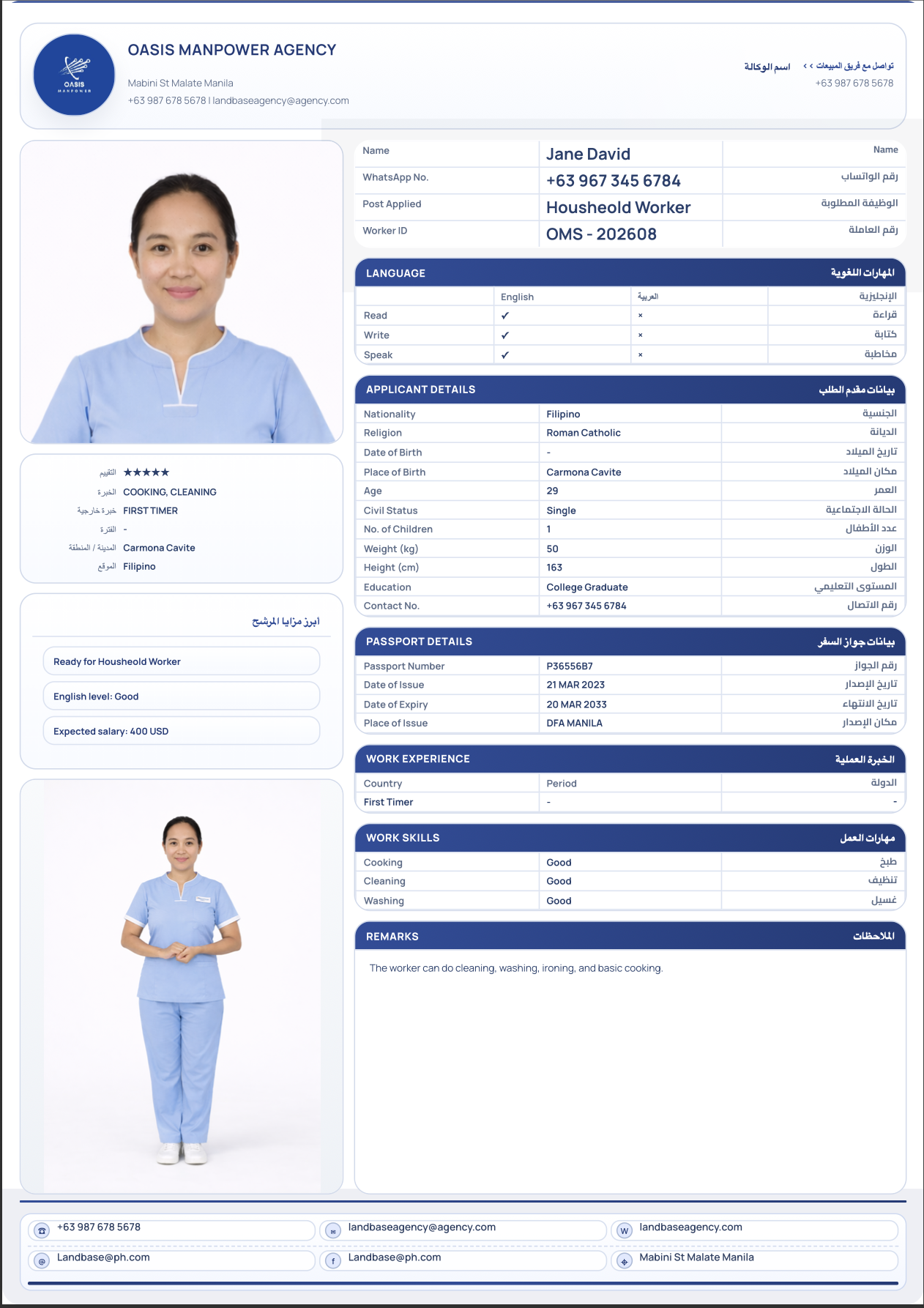
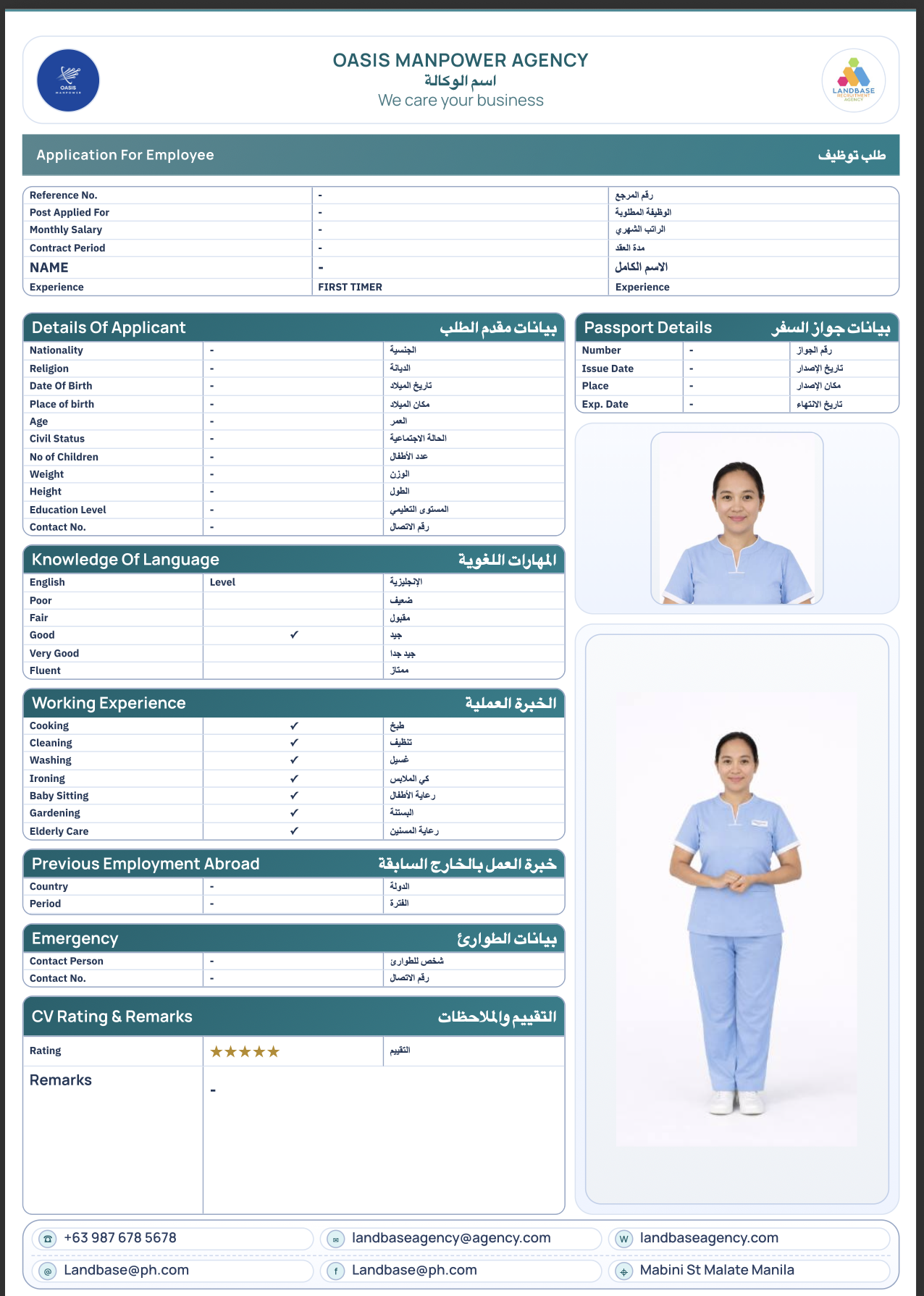
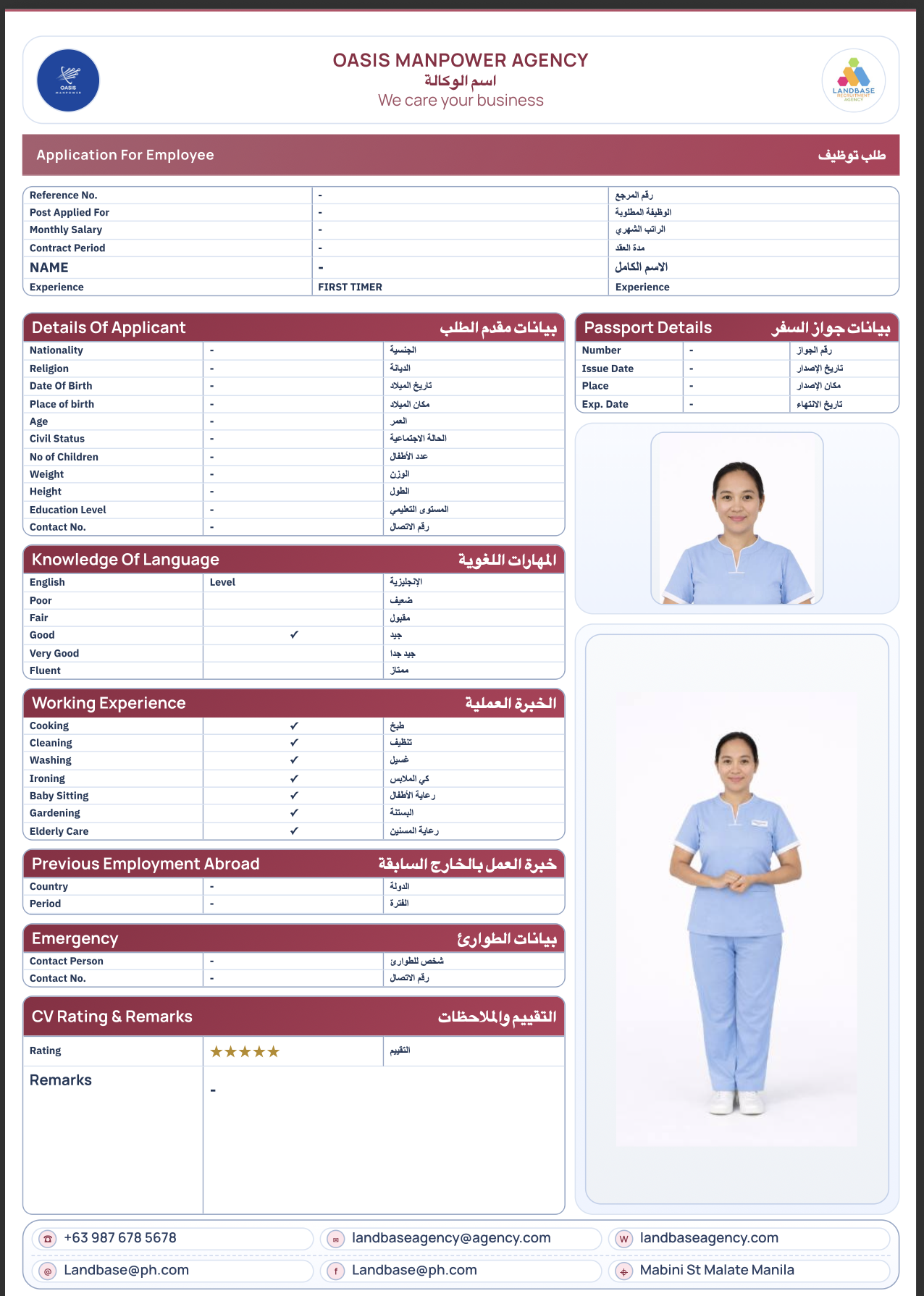
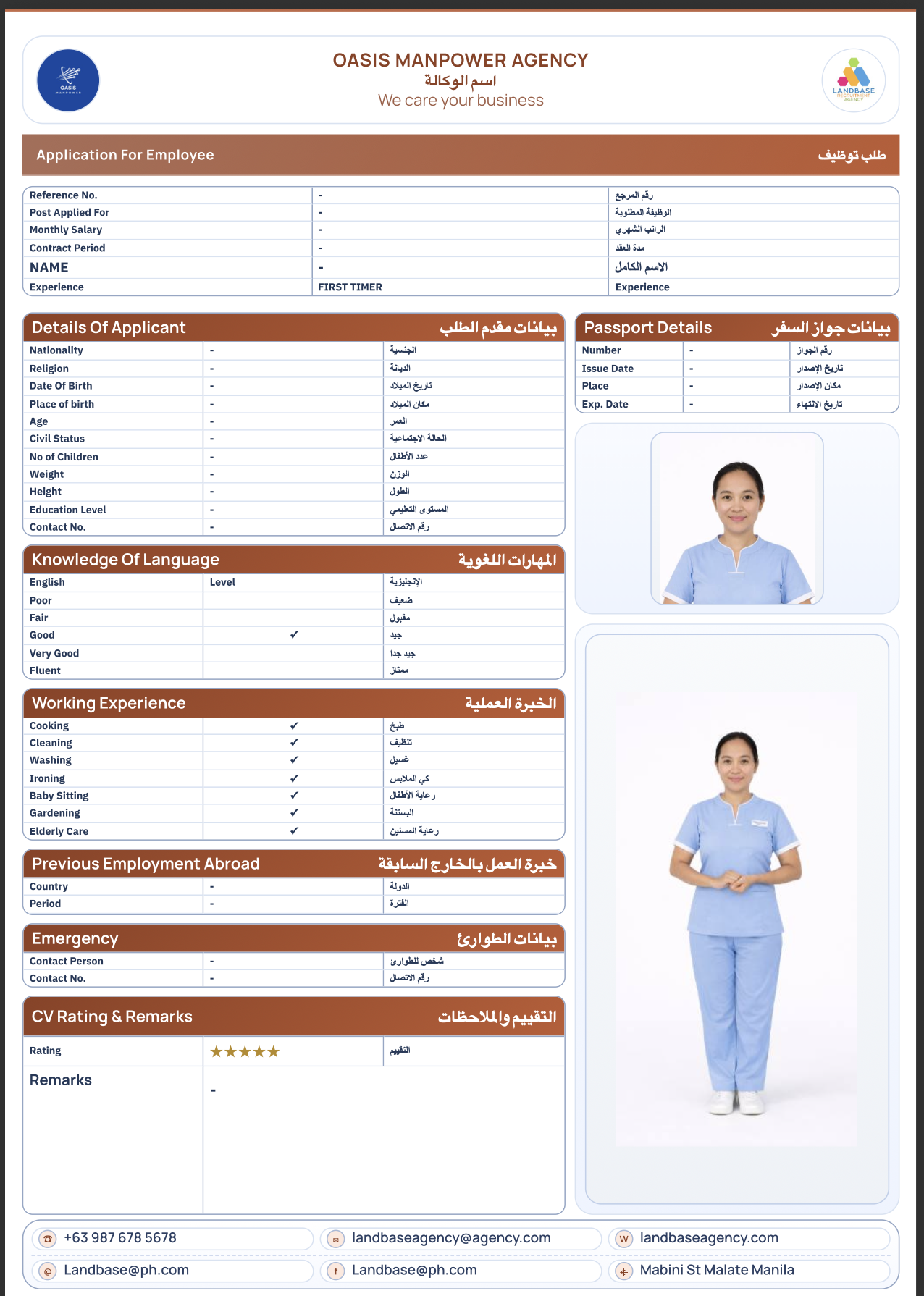
These previews open the right builder in the matching template pack so the colors, layout, and photo treatment stay in sync. Click any preview image for a full-size view.